
I had been staring at a blank email for twenty minutes, watching the cursor blink while I typed a sentence, deleted it, then typed another version and deleted that too.
This was about a year ago, before I signed up for ChatGPT. A colleague had told me about using it to write a difficult email to her boss, a task that took her 15 minutes after she had been avoiding it for a month.
I was skeptical that any tool could fix my writing paralysis, but I tried it anyway. I described what I needed to say, and ChatGPT started typing words in seconds. The relief was not because the words were perfect, but because I was no longer paralyzed by that blinking cursor.
I started using AI for emails, writing outlines, anything that triggered blank-page paralysis. But I never considered using it for design work. Writing felt like a different category.
Design requires iteration, messiness, and uncertainty in ways I could not imagine AI handling. How would I even prompt for creative work?
A recent conversation with a colleague changed that. She asked what AI tools I was using for design, and I had nothing to say. The questions started piling up:
Am I falling behind on knowledge I should have as an architect? Will my approach to design become obsolete? Would my teaching ability be limited because I do not understand these tools well enough? Worst of all, would the quality of my design work diminish?
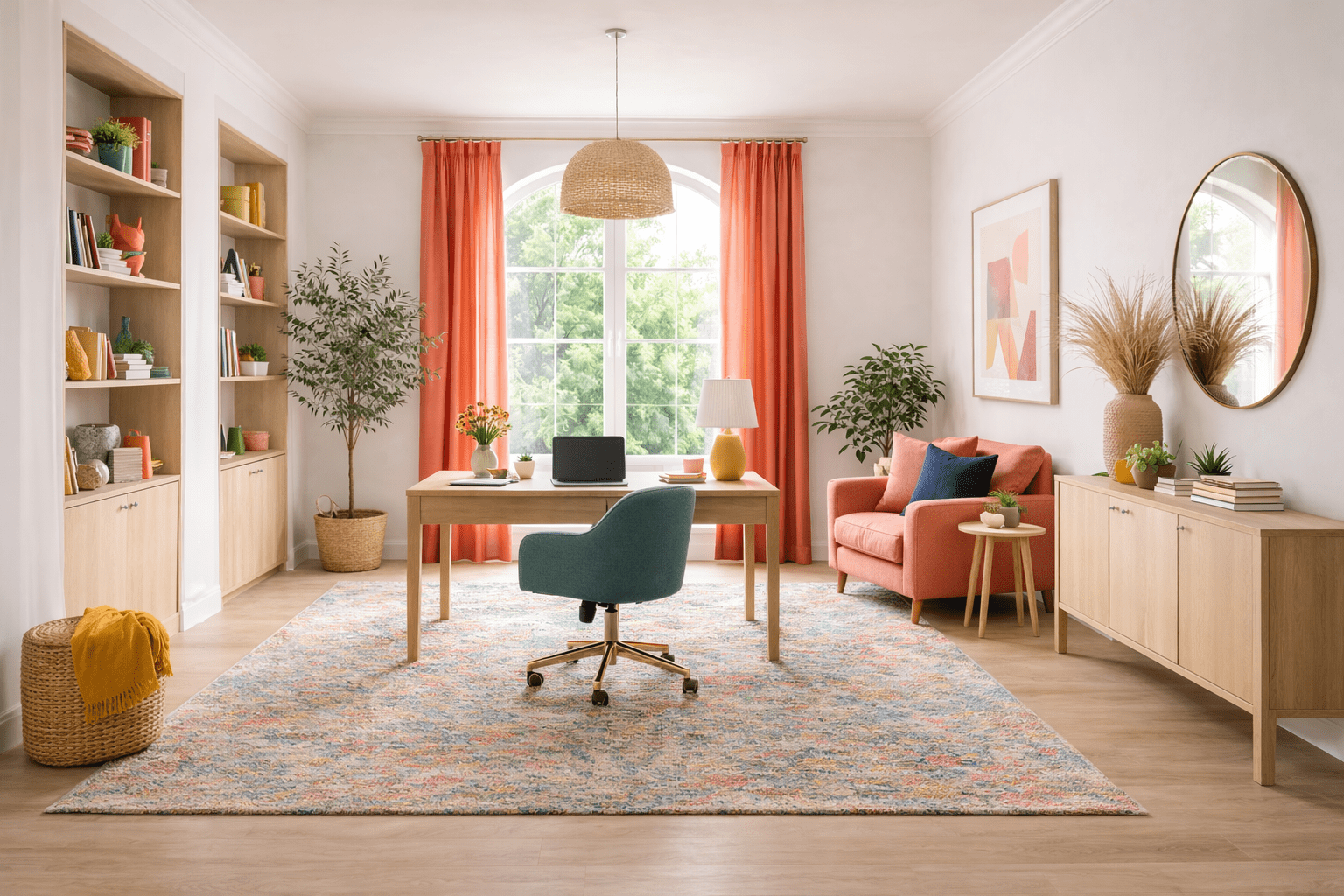
I decided to test it. After looking at various graphics AI tools and getting overwhelmed by options, I chose the simplest path: DALL-E, which came with my ChatGPT subscription. Creating a 3D rendering of a home office took less than 5 minutes. A few prompts produced a colored image with the exact curtain shade I had specified.
The image was not something I would use for a client presentation, but the speed gave me that same feeling I had experienced with writing AI. The relief of not staring at a blank screen. Except this time, the relief bothered me.
That is when my mindset about AI started to shift.
Stop asking “what tools should I use?” Instead ask “what role am I delegating?”
AI works like a junior intern: energetic, ready to work, but lacking the judgment for certain tasks.
I would never delegate building code verification, drawing coordination with consultants, or job site inspections to an intern. I should approach AI tools with the same discretion.
The better use of time is not figuring out which AI tool to use. It is deciding what role I am delegating to this digital assistant.
Consider the difference between these two approaches. The first: “How should I orient this house in a crowded city to prioritize my client’s need for privacy?” The second: “What are five typical house orientations people use when privacy is the main concern?”
The first scenario requires nuanced, analytical thinking about privacy plus other architectural considerations like site conditions, shading, and conflicting design priorities. The second gives you a set of possibilities to consider.
This is the shift. AI excels at speed and generating options during the iterative process. Reframing AI from “designer” to “assistant who responds quickly” is the mindset change that slow-action designers need to make.
Template tools vs generative tools (and why confusing them causes disappointment)
Not all AI tools work the same way, especially in the visual world.
There are two categories: template-based tools and generative tools. The distinction matters because they serve different purposes in your design process.
Template-based tools existed before AI.
You have always been able to buy floor plan templates, resume formats, or use built-in options that came with your computer. Some architecture-focused AI tools work this way. They offer more templates with better customization options, but the core function remains the same: you select and tweak pre-shaped solutions.
These tools give you speed and the feeling of control. They assemble familiar architectural ideas into something that looks professional quickly. For certain tasks, this efficiency is exactly what you need.
Generative AI tools like DALL-E or Google’s Nano Banana work differently. They do not know architecture, but they can generate new images from language and patterns. The process is messier and less reliable, but more revealing.
What interests me about generative AI is how closely it mimics the actual design process. The constant iteration of create, edit, start over, or jump in from the middle matches exactly how humans design.
The tool forces you to think through description, which often clarifies what you actually want.
That said, generative tools still lack the accuracy architects need for dimensions, site conditions, and technical coordination. They work for exploration, not documentation.
The mistake is not the tools themselves. It is expecting one category to behave like the other.
Use AI where architects usually get stuck, not where we are strongest
Graphics AI tools make their biggest contribution at one stage of design work: the beginning.

Design works the same way as writing. The early stage is difficult because of uncertainty, blank-page paralysis, and half-formed ideas that are hard to articulate, let alone illustrate.
I see this in my students too. One common lie we tell ourselves: “It is early stage, so we have time to explore options.” Then “we have time” becomes work due tomorrow, and somehow design ideas start flourishing in the 11th hour. We get it done before the deadline.
AI tools can help before you have design conviction, not after. The tools help you move through early uncertainty. While having conversations with AI through prompts, you sometimes arrive at judgments or insights you had not considered.
Design conviction comes from you, not from AI. Feeling certain about your design judgment, proportion, ethics, and responsibility all comes from you. What AI can do is help you externalize thoughts, which leads to seeing alternatives you would not have drawn. It breaks the barrier between idea and drawing.
This interdependent working relationship between AI and architects brings the most benefit.
Final thought
I realized why I felt uncomfortable after using AI to generate that home office design in 5 minutes.
It was not about AI being too powerful. It was about skipping the part of the process where architects argue with their work. I did not get a chance to question messy, incoherent sketches. The work was done too fast.
My usual design struggle did not magically disappear with the AI tool. I just gave away the decision power, so I stopped struggling.
The real skill going forward is not mastering AI prompts. It is knowing when not to ask AI to make the decision for you.
 Life Outside of Design Studio